Image GuideJun 30, 2026
The Ultimate Guide to Conversion: PNG to PDF Free & Fast
#PDF Tools#Image Conversion#Tutorials
Everything you need to edit, convert, and optimize your images quickly, securely, and completely free.
Explore our complete toolkit with 20+ image editing tools.
Image-Resizer.net is a free online image tool for resizing, compressing, cropping, and converting images directly in your browser. Your files are processed locally on your device and are not uploaded to our servers. No account or software installation is required.
Drop one image to choose the best workflow
Free online image tools to resize, compress, convert, and edit images securely in your browser with zero uploads and full privacy.
Start with JPG, PNG, WebP, AVIF, GIF, BMP, HEIC, or PDF.
Resize, compress, crop, convert, or prepare for SEO.
Download files ready for websites, forms, and publishing.
An online image resizer is a browser-based tool that modifies image pixel dimensions and file sizes. Image-Resizer.net processes all images 100% locally on your device without server uploads.
Built for everyday image work: private processing, fast browser tools, no account friction, and consistent access across devices.
Cta Text
Find answers to commonly asked questions about our tools
Image-Resizer.net is a free, browser-based image processing platform that lets users resize, compress, crop, convert, and optimize images without uploading files to a server.
Yes, our platform is completely free to use. There are no hidden fees, premium subscriptions, or watermarks added to your images.
No. All image processing happens locally within your web browser using modern browser technologies. Files are processed locally in your browser and are not uploaded to our servers.
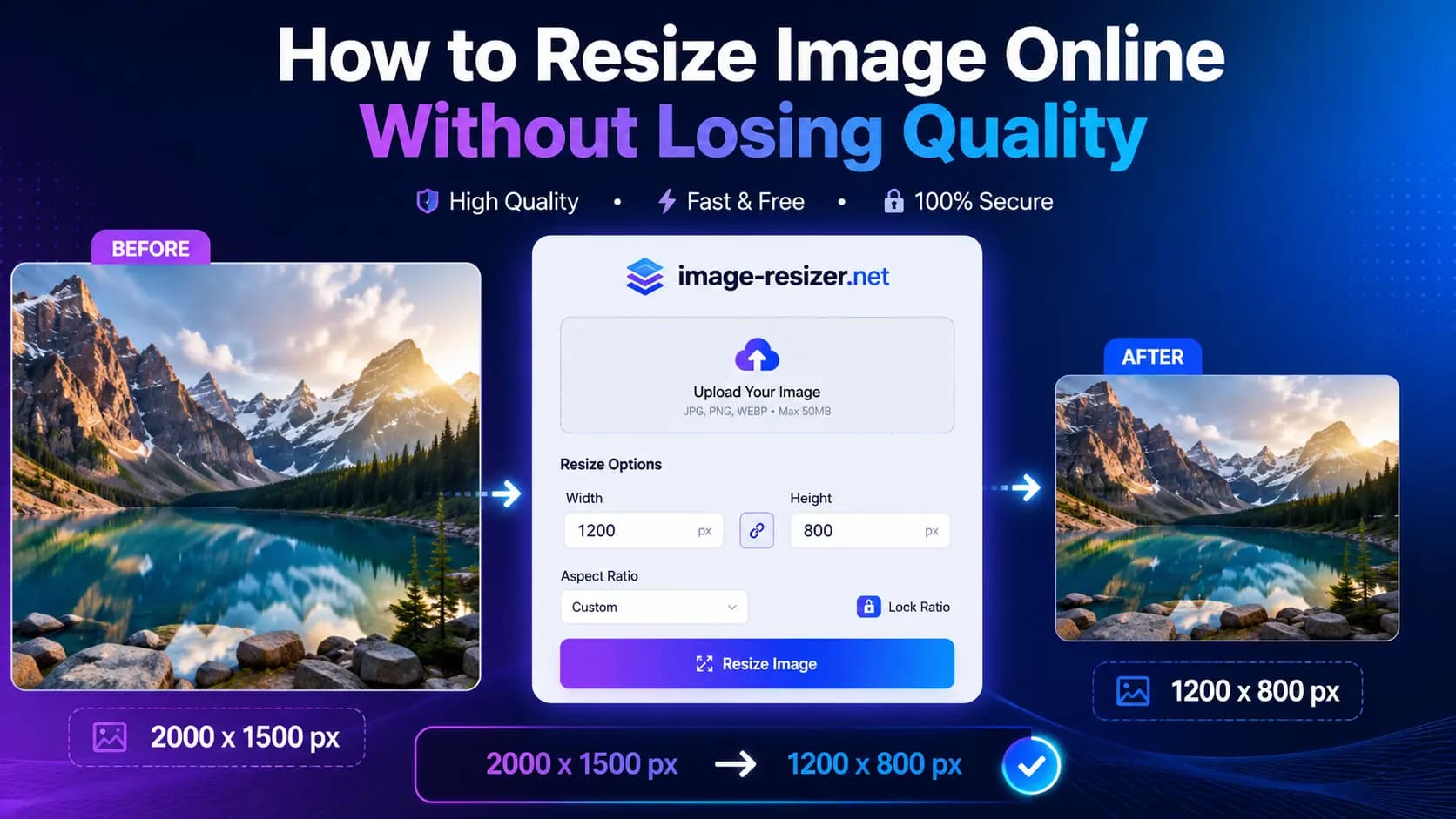
Simply select the Resize Image tool, choose your file, and enter your desired width or height. The tool will instantly scale your image while maintaining quality.
You can reduce image file size while preserving high visual quality. The amount of quality loss depends on the image format and compression level. Image-Resizer.net lets you optimize images to balance file size and visual quality.
We support a wide variety of image formats including JPG, PNG, WebP, AVIF, GIF, BMP, HEIC, and PDF.
Absolutely. Since our tools run in your web browser, they work perfectly on any modern smartphone or tablet without needing an app installation.
No account or registration is required. You can start editing and optimizing your images immediately.
Still have questions?
Contact usDrag and drop your JPG, PNG, or HEIC file anywhere on the page, or click 'Upload Image' to select from your device.
Choose from our suite of tools: Resize to change dimensions, Compress to reduce file size (under 50KB, 100KB, etc.), or Convert to change the format.
Apply your changes and download your optimized image immediately. No watermarks, no sign-ups, and no waiting.
| Feature / Format | Supported Options | Processing Location |
|---|---|---|
| Supported Formats | JPG, PNG, WebP, AVIF, GIF, BMP, HEIC, PDF | Local (Browser-side) |
| Max File Upload | Unlimited (Processed in RAM) | Client-side (No server) |
| Privacy / Security | Zero-upload guarantee | 100% On-Device |
All processing happens directly in your browser using client-side technology. Files are processed locally in your browser and are not uploaded to our servers.
Powered by modern WebAssembly and optimized in-browser processing for near-instant results, even on large files.
Works perfectly on Mac, Windows, Linux, iPhone, and Android in any modern browser — no installs, no accounts.
Professional-grade tools available to everyone, completely free of charge with no watermarks or hidden limits.
Subheading