How to Resize Image Online Without Losing Quality (Step-by-Step Guide)
In today's fast-paced digital world, knowing how to resize image online quickly and effectively is essential for bloggers, social media managers, e-commerce sellers, designers, and content creators. Whether you're optimizing images for website speed, social media, or professional use, the right tool makes all the difference.
In this guide, we’ll show you the best ways to resize image online while maintaining excellent quality — with a special focus on Image-Resizer.net, one of the most powerful and privacy-focused tools available.
Why Resize Images Without Losing Quality?
- Improve website speed — Smaller, optimized images boost SEO and Core Web Vitals.
- Meet platform requirements — Different sizes needed for Instagram, Facebook, Amazon, blogs, etc.
- Save storage and bandwidth — Easier sharing and faster uploads.
- Maintain professional look — Sharp, clear images build better engagement.
Best Tool Recommendation: Image-Resizer.net
Image-Resizer.net stands out as an excellent choice for resize image online.
Why Choose Image-Resizer.net?
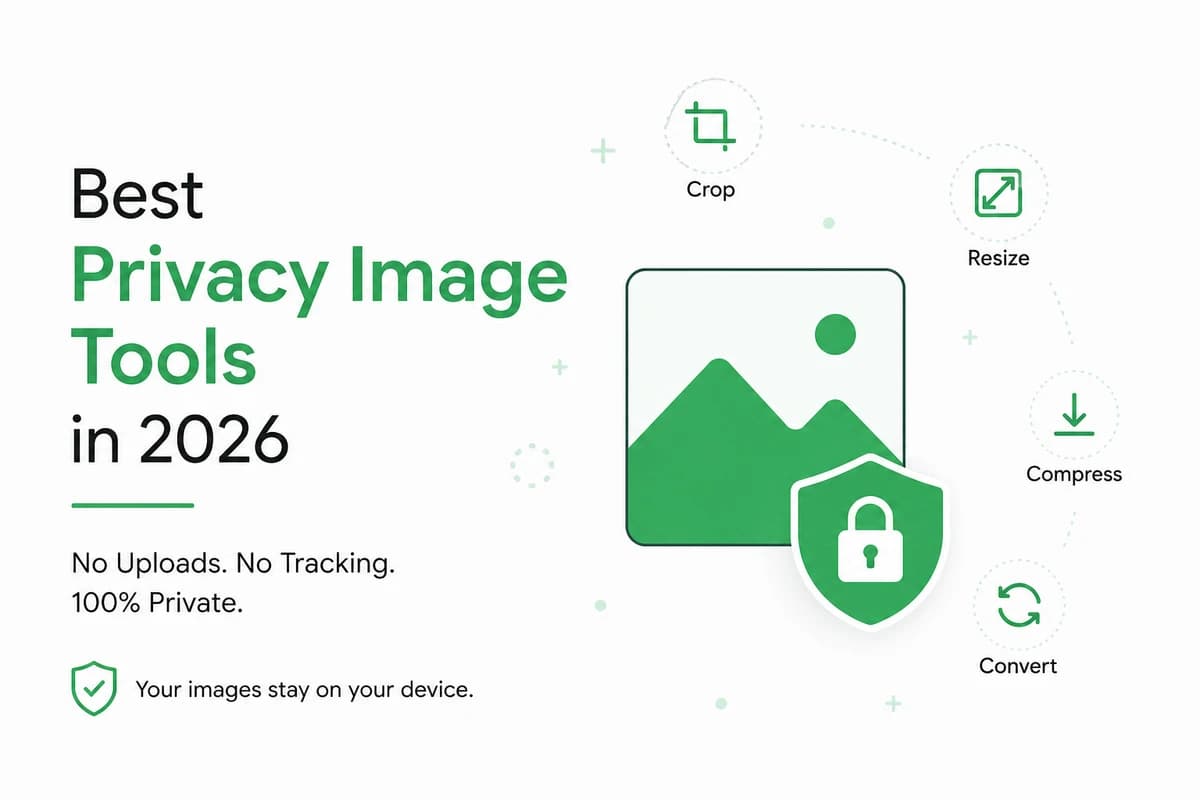
- 100% Browser-based — No server uploads, meaning your images never leave your device.
- Complete Privacy — No tracking, no data collection, no AI training on your photos.
- Lightning Fast — Powered by modern browser technology for instant results.
- Free Forever — No watermarks, no hidden limits, no sign-up required.
- Multiple Features — Resize, compress, convert formats (JPG, PNG, WebP, AVIF, HEIC), crop, and more.
- High Quality — Advanced algorithms help preserve maximum image quality.
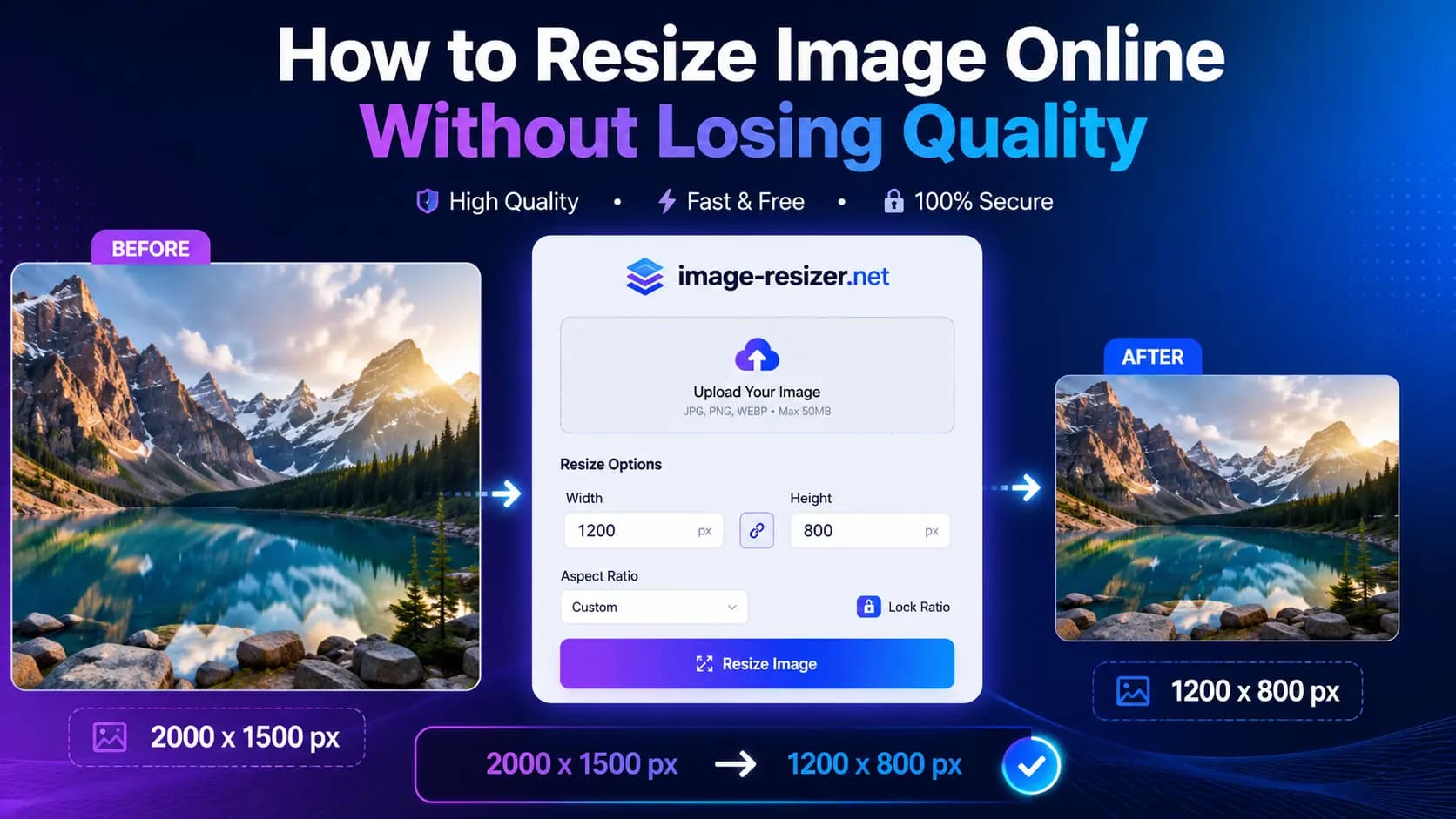
Step-by-Step: How to Resize Image Online Using Image-Resizer.net
- Visit the website — Go to https://image-resizer.net.
- Upload your image — Drag and drop your photo (JPG, PNG, WebP, HEIC, etc.) or click to upload.
- Choose Resize tool — Select the resize option from the available tools.
- Set dimensions — Enter your desired width and height. Keep aspect ratio locked to avoid distortion.
- Adjust quality (optional) — Fine-tune compression level if needed.
- Preview & Download — Check the result and download your optimized image instantly.
That’s it! In seconds, you get a perfectly resized image without compromising quality.
Other Reliable Online Tools
While Image-Resizer.net is highly recommended for privacy and speed, here are other good options:
- Adobe Express Image Resizer
- Canva Resize Tool
- Simple Image Resizer
- ILoveIMG
- Fotor
Pro Tips for Best Results
- Always start with the highest resolution original.
- Maintain aspect ratio unless you intentionally want distortion.
- Prefer WebP format for web use (smaller size, great quality).
- Resize in one go — repeated resizing can reduce quality.
- Compress after resizing for optimal file size.
Common Use Cases
- Social Media Content — Perfect squares, stories, and carousels.
- E-commerce Product Photos — Consistent sizing across listings.
- Blogging & SEO — Fast-loading featured images.
- Documents & Forms — Passport-size photos and official uploads.
- Email Campaigns — Lightweight images for better deliverability.
Frequently Asked Questions (FAQ)
Can I resize image online without losing quality?
Yes! Tools like Image-Resizer.net use advanced processing to minimize quality loss, especially when downsizing.
Is Image-Resizer.net really private?
Absolutely. It processes everything in your browser with zero server uploads.
What formats does it support?
JPG, PNG, WebP, AVIF, HEIC, GIF, and more.
Does resizing help with SEO?
Yes. Optimized images improve page speed, which is a major ranking factor.
Are there any file size limits?
It handles most common image sizes efficiently thanks to local browser processing.
Conclusion
Learning how to resize image online without losing quality has never been easier. Image-Resizer.net offers the perfect combination of speed, privacy, quality, and simplicity — making it one of the best free tools available today.
Try it now and experience the difference!
Start Resizing Here → Image-Resizer.net

Software engineer behind Image-Resizer.net, building fast, privacy-first image tools for creators. Trusted by thousands of users monthly to safely edit screenshots and images online.
Related Topics
Get Weekly Tips
Image optimization tricks delivered to your inbox