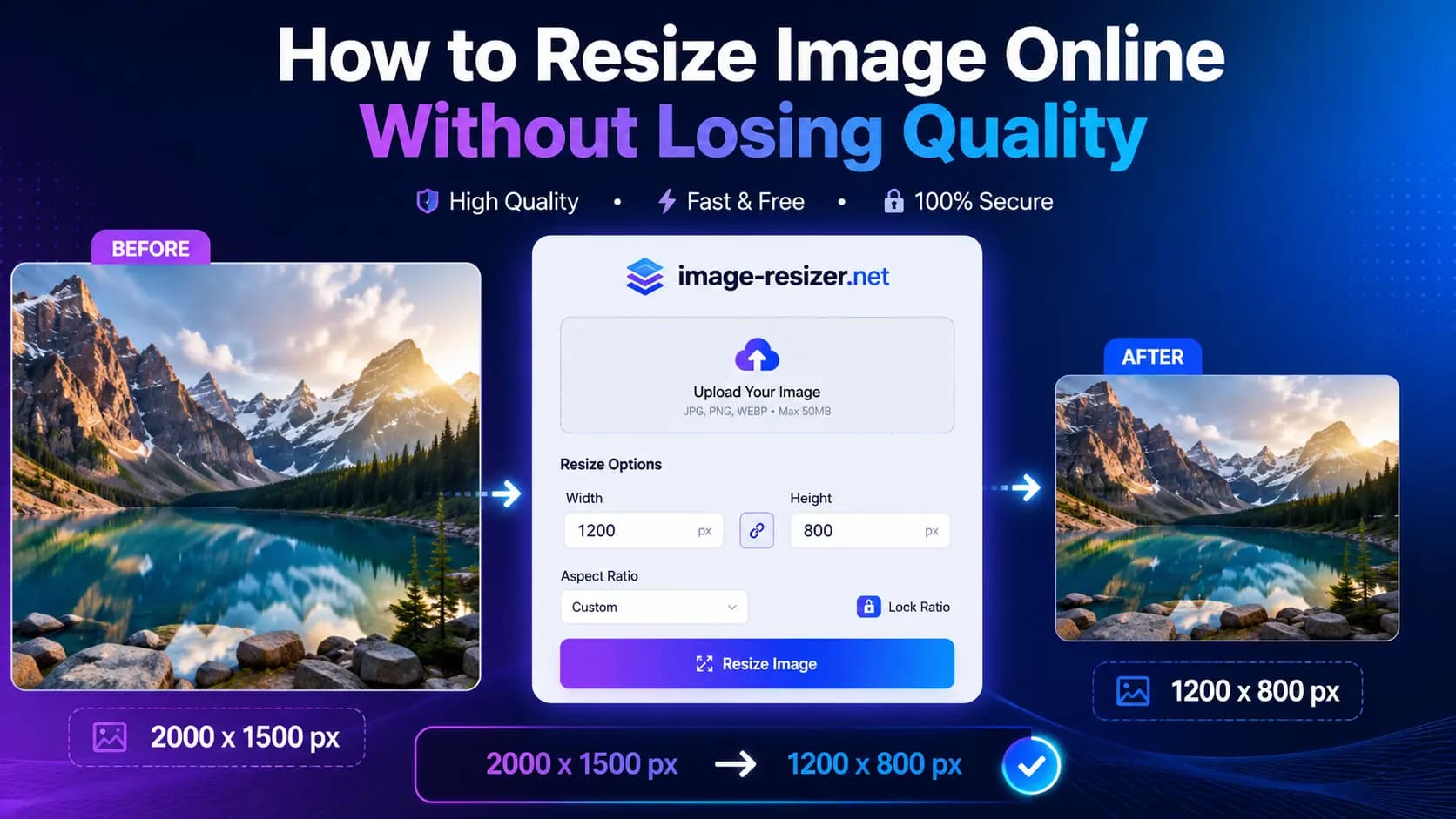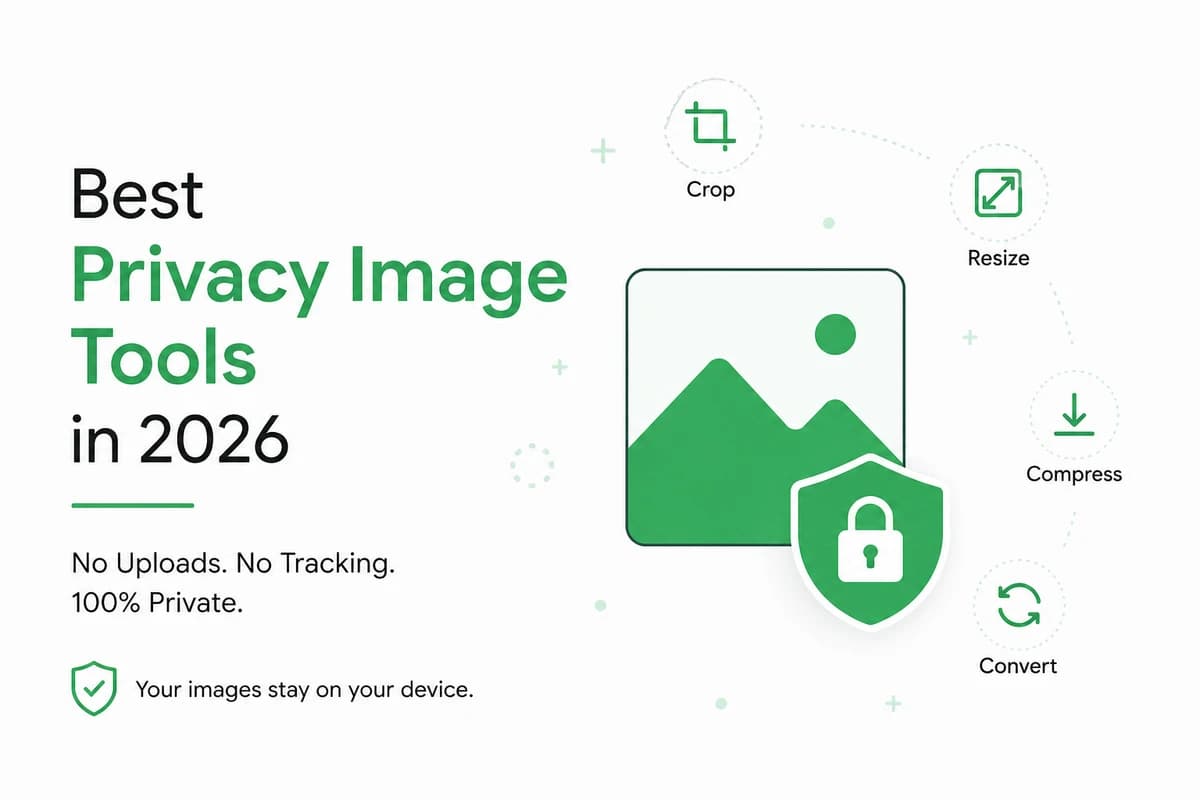
In 2026, privacy has become one of the most important factors when choosing an image editing tool. Millions of users resize, compress, convert, and crop images every day.Many do not realize that online image tools often upload files to remote servers.Those files may be stored, analyzed, or even used to improve AI models.
For businesses handling customer documents, designers using confidential files, journalists protecting sources, and everyday users editing personal photos, image privacy is not optional.
This is why a new generation of privacy-focused image tools is rapidly gaining popularity.
The Hidden Privacy Problem With Traditional Image Tools
Most online image editors work by uploading your files to cloud servers where the processing happens remotely. While this approach allows complex operations, it introduces several risks:
- Images may remain on servers longer than expected.
- Users often cannot verify deletion policies.
- Sensitive images may pass through third-party infrastructure.
- Uploaded files may be analyzed for service improvement or AI training purposes.
- Businesses may face compliance challenges with privacy regulations.
For personal images this may seem insignificant, but for identity documents, contracts, invoices, product designs, or medical images, privacy becomes critical.
What Makes a Privacy Image Tool Trustworthy?
A genuinely privacy-focused image tool should follow several principles:
1. Local Browser Processing
The image should be processed directly inside your browser instead of being uploaded to external servers.
2. No Permanent Storage
Files should disappear immediately after processing without server-side retention.
3. No Account Requirements
Users should not need to create an account just to resize or compress an image.
4. Transparent Data Policies
The platform should clearly explain how files are handled.
5. No AI Training Usage
User images should never be used for machine learning datasets or model training.
Why Browser-Based Processing Is Becoming the Industry Standard
Modern browsers are now powerful enough to perform complex image operations directly on your device.
Tasks such as:
- Image resizing
- Compression
- Format conversion
- Cropping
- Rotation
- Color extraction
- Watermarking
can all happen locally without sending files across the internet.
This approach delivers three major advantages:
- Better privacy
- Faster processing speeds
- Reduced bandwidth usage
For many users, browser-based tools now outperform traditional upload-based services.
Image Resizer: A Privacy-First Approach to Image Editing
Among the growing number of privacy image tools available in 2026, Image Resizer stands out because privacy is not an afterthought — it is the foundation of the platform.
Unlike traditional image editors that upload files to cloud infrastructure, Image Resizer performs image processing directly within the user's browser.
This means:
- Your images never leave your device.
- No files are uploaded to external servers.
- No registration is required.
- No images are stored after processing.
- Your files are never used for AI model training.
For privacy-conscious users, this eliminates one of the biggest concerns associated with online image tools.
Features Available Without Uploading Images
Image Resizer offers a complete collection of browser-based image tools, including:
- Resize Image
- Compress Image
- Crop Image
- Convert Image Formats
- Rotate and Flip Images
- Blur Images
- Add Watermarks
- Extract Color Palettes
- Create Favicons
- Generate QR Codes
- Remove Metadata
- Convert JPG, PNG, WebP, AVIF and more
All processing happens locally inside the browser.
Who Benefits Most From Privacy Image Tools?
Businesses
Companies often work with invoices, contracts, identity documents, and confidential product images.
Developers
Developers frequently optimize screenshots, UI assets, and application graphics.
Designers
Creative professionals regularly handle unreleased product designs and marketing materials.
Journalists
Reporters and researchers often work with sensitive visual content requiring confidentiality.
Everyday Users
Family photos, personal documents, and identification images deserve privacy too.
Performance Benefits Beyond Privacy
Local image processing does not only improve privacy.
Users also benefit from:
- Faster processing times
- No upload waiting times
- Lower data usage
- Better performance on slow internet connections
- Immediate downloads
For large files or batch operations, these improvements can save significant time.
The Future of Image Editing Is Local
The internet is moving toward privacy-preserving technologies.
Browsers are becoming more capable, regulations are becoming stricter, and users are becoming more aware of how their data is handled.
The future of online image editing is clear:
process locally whenever possible and upload only when absolutely necessary.
Final Verdict
If privacy is your priority, browser-based image tools represent the safest choice available in 2026.
Image Resizer offers modern image editing tools and a privacy-first design that keeps your files under your control.
For users who value security, speed, and simplicity, local processing is no longer a premium feature. It is the new standard.
Your images belong to you. Your image tool should respect that.

Software engineer behind Image-Resizer.net, building fast, privacy-first image tools for creators. Trusted by thousands of users monthly to safely edit screenshots and images online.
Related Topics
Get Weekly Tips
Image optimization tricks delivered to your inbox